Pop-Punk Vocal Mixing: Compression, De-Essing & Gang Vocals (ft. Neck Deep)
Nail The Mix Staff
Let’s talk about that signature Neck Deep vocal sound. It’s powerful, it’s got attitude, and it cuts through a dense mix of distorted guitars and pounding drums like a knife. Ever wonder how producer Andrew Wade gets that polished-yet-aggressive tone? It’s not about some single magic plugin, but a chain of smart decisions starting right at the recording source.
We got a front-row seat as Wade broke down his entire vocal chain for Neck Deep, and it’s packed with killer tricks you can try in your own mixes. From unconventional compression to a specific EQ and de-essing order, let’s dive into how he crafts that massive pop-punk vocal sound.
The Foundation: Gear and Aggressive Initial Compression
Getting a great vocal sound starts way before you even open an EQ. The initial recording and the first stage of compression set the entire character of the track.
The Mic and In-the-Box Preamp
The vocal chain started with a classic: the Neumann U 87 microphone. While it’s a legendary mic, Wade points out that on higher, more nasally singers, a U 87 can sometimes sound a little brittle.
His solution? Run it through an 1176 compressor on the way in. The 1176 is known for its warmth and character, and using it during tracking helped bring out the body and richness of the vocal, compensating for any potential harshness from the mic and creating a thick, solid foundation for the mix.
Going Ballistic with “All Buttons In” Mode
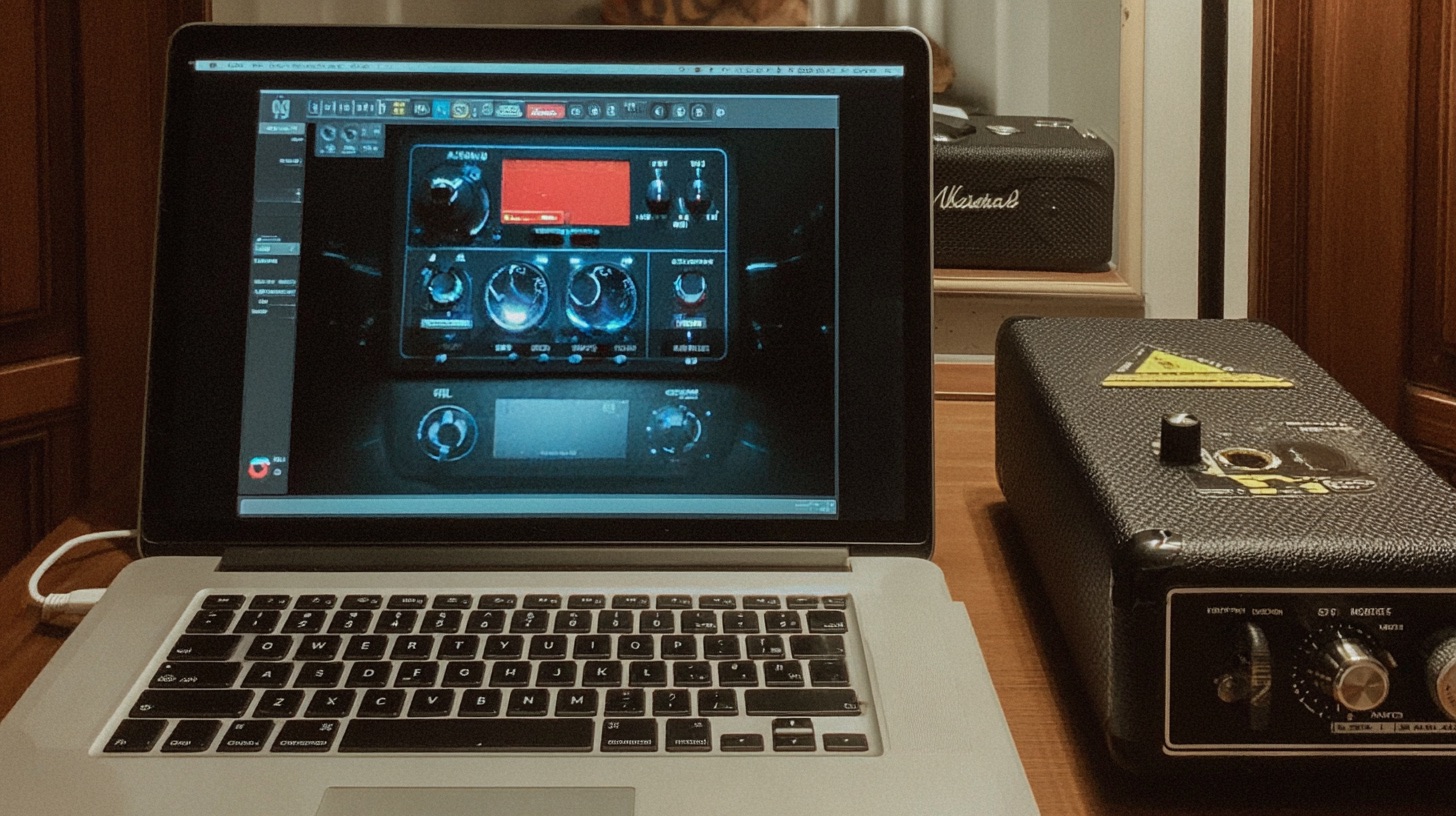
In the mix, Wade hits the lead vocal track with another 1176-style plugin, but this is where things get interesting. He uses the infamous “All Buttons In” mode (also called British Mode). If you’re not familiar, it’s a setting that pushes the compressor into an insanely aggressive, over-the-top state. It’s not subtle, but it’s perfect for getting that in-your-face, energetic pop-punk sound.
Here’s a peek at the settings:
- Input: ~33
- Output: ~21
- Attack: 4 (relatively fast)
- Release: 7 (as fast as it goes)
- Ratio: ALL
This setup was hitting the vocal with 7 to 10 dB of gain reduction, which is a ton of compression. It’s a great reminder that presets are just a starting point. Don’t be afraid to keep twisting knobs and trying unconventional settings until you land on something you’re stoked about. For more on how to use tools like this to shape your sound, check out our deep dive into audio compression techniques.
Shaping the Vocal Bus
With just three main vocal tracks, Wade was able to do most of his shaping on the vocal bus, treating the lead and its doubles as one cohesive unit. The processing order here is crucial.
The De-Esser and EQ Relationship
Here’s a pro tip from Wade’s workflow: de-ess before you boost the highs. After the initial compression, his vocal bus chain starts with a de-esser followed by an SSL-style EQ.
He uses the SSL EQ to add a nice high-end boost, giving the vocal that professional shine and air. But if you boost the top end without taming sibilance first, those “S” and “T” sounds will become painfully harsh. By placing the de-esser before the EQ, he controls the sibilance first, allowing him to then boost the highs for a consistently bright and present vocal that doesn’t pierce your ears. It’s a simple but incredibly effective technique. Find the perfect balance, though—too much de-essing can give the vocalist an odd speech impediment.
To get a better handle on these kinds of surgical moves, explore our guide to how to EQ vocals.
Final Bus Processing
To top it all off, the bus has two more key elements. A final, gentle compressor is used to glue all the vocal tracks together and control the overall level, knocking off about 5-6 dB when the big choruses kick in. Finally, a touch of reverb at around a 20% mix adds space and dimension without washing the vocal out or pushing it to the back of the mix.
Taming Backups, Doubles, and Groups
How you treat your backing vocals can make or break the clarity of your lead. Wade’s approach is all about making the lead vocal the undisputed star of the show.
Heavy De-Essing on Backups
This is a huge takeaway. The doubles and harmonies get the same aggressive 1176 compression as the lead, but they are de-essed heavily. Wade pushes the de-esser on the backup tracks so it’s going nuts.
Why? To prevent sibilance pile-up. When you have multiple vocal tracks, even slightly out-of-sync “S” sounds can create a messy, distracting “ssss” sound. By killing the sibilance on the backups, you ensure the consonants from the lead vocal cut through cleanly. This is a classic trick used by legendary producers like Mutt Lange to keep harmonies sounding full and clear without cluttering the mix.
Creating Size and Clarity
To further clean things up, the backing vocals get a healthy high-pass filter to roll off low-end mud. They are also tuned pretty aggressively, which creates a cool, modern contrast against a more natural-sounding lead. For width, the chorus vocals are triple-tracked and panned hard left and right.
Crafting a Realistic Crowd Chant
For the gang and group vocal parts, Wade avoids reverb and instead uses a long delay to create the impression of a large space. To make the crowd chants sound authentic, he layered different performance styles. First, he had the band just yell the parts like a real, rowdy crowd at a show would (since most people in a crowd can’t sing). Then, they layered that with a take of the band members actually singing the part.
Blending the yelling with the singing creates a much more genuine and energetic crowd sound. Add in some foley of clinking mugs and bar chatter, and you’ve got a group vocal that puts the listener right in the room.
Bring These Techniques To Your Mix
So, to recap Andrew Wade’s killer vocal approach:
- Warm up your source: Use an 1176-style compressor during tracking to add body.
- Embrace aggressive compression: Don’t shy away from the “All Buttons In” mode for an energetic sound.
- Get your bus chain right: De-ess before you add a high-end EQ boost for shine without harshness.
- Control your backups: Use heavy de-essing and high-pass filters on doubles and harmonies to keep the focus on the lead.
These are the kinds of actionable, real-world techniques you can only learn by watching a true professional at work. Seeing the process is one thing, but getting the actual multitracks to try it yourself is a whole other level of learning.
Neck Deep on Nail The Mix
Andrew Wade mixes "Can't Kick Up The Roots"
Get the Session
In the full Neck Deep Nail The Mix session, you can watch Andrew Wade build this mix from scratch, explaining every plugin choice and automation move along the way. If you’re ready to move beyond presets and learn how to mix music like a pro, this is your chance to learn from the best.
Check out the full Neck Deep mixing session and see what else is waiting for you inside Nail The Mix.