How Nolly Getgood builds Periphery’s bass tone from a DI with FabFilter Saturn & cab IRs
Nail The Mix Staff
Let’s talk about modern metal bass. It needs to be a force of nature—a low-end foundation that’s both earth-shakingly thick and razor-sharp enough to slice through a dense wall of guitars. And when you think of masterful modern bass tones, Periphery’s Adam “Nolly” Getgood is a name that immediately comes to mind. His bass sounds are the definition of clarity, power, and aggression.
Ever wondered how to get that sound without a labyrinthine setup of amps and pedals? We got a chance to see Nolly build a monstrous bass tone entirely in the box, starting with nothing but a clean DI track. This isn’t about some magic preset; it’s about a series of smart, deliberate moves.
Let’s break down his plugin chain and workflow, step by step.
The Foundation: It All Starts with a Killer DI
Before you even touch a plugin, the source tone is king. Nolly starts with a killer DI signal from his Dingwall bass. It’s fat, clear, and has a great-sounding character right out of the gate. This is a crucial first step—processing can only enhance what’s already there. A weak, thin DI will be an uphill battle from the start.
Building the Tone: Nolly’s In-The-Box Bass Chain
With a solid DI track ready, Nolly builds his tone using a specific sequence of plugins. Here’s how he constructs the beast.
Step 1: Initial EQ for Top-End Bite
First things first, let’s add some life. The raw DI, while fat, can be a bit dull. Nolly reaches for a Kush Audio Hammer EQ to bring out some of the string noise and attack.
He uses a high-shelf boost around 7.5kHz-10kHz to add that “stringiness” and pick definition. This initial bit of air helps the bass feel more present and detailed before any heavy lifting is done. It’s a classic move to ensure the bass isn’t just felt, but also heard clearly. For more tips on shaping your instruments, check out these EQ strategies for mixing modern metal.
Step 2: Taming Dynamics with Compression
Next up is controlling the performance. Nolly loads up an 1176-style compressor to even out the dynamics and add some vibe. The goal isn’t to squash the life out of it, but to gently rein in the peaks.
The key setting here is the attack time. Nolly demonstrates how a very fast attack will clamp down on the initial transient, making the bass sound smoother but less punchy. By slowing the attack down just a bit, he lets that initial pick “slap” or transient poke through before the compressor kicks in. He settles on a 4:1 ratio and adjusts the attack by ear until it has the right amount of pump and movement without losing the percussive feel. This is a perfect example of how metal compression is more than just making things loud.
Step 3: The Multi-Band Distortion Secret Weapon
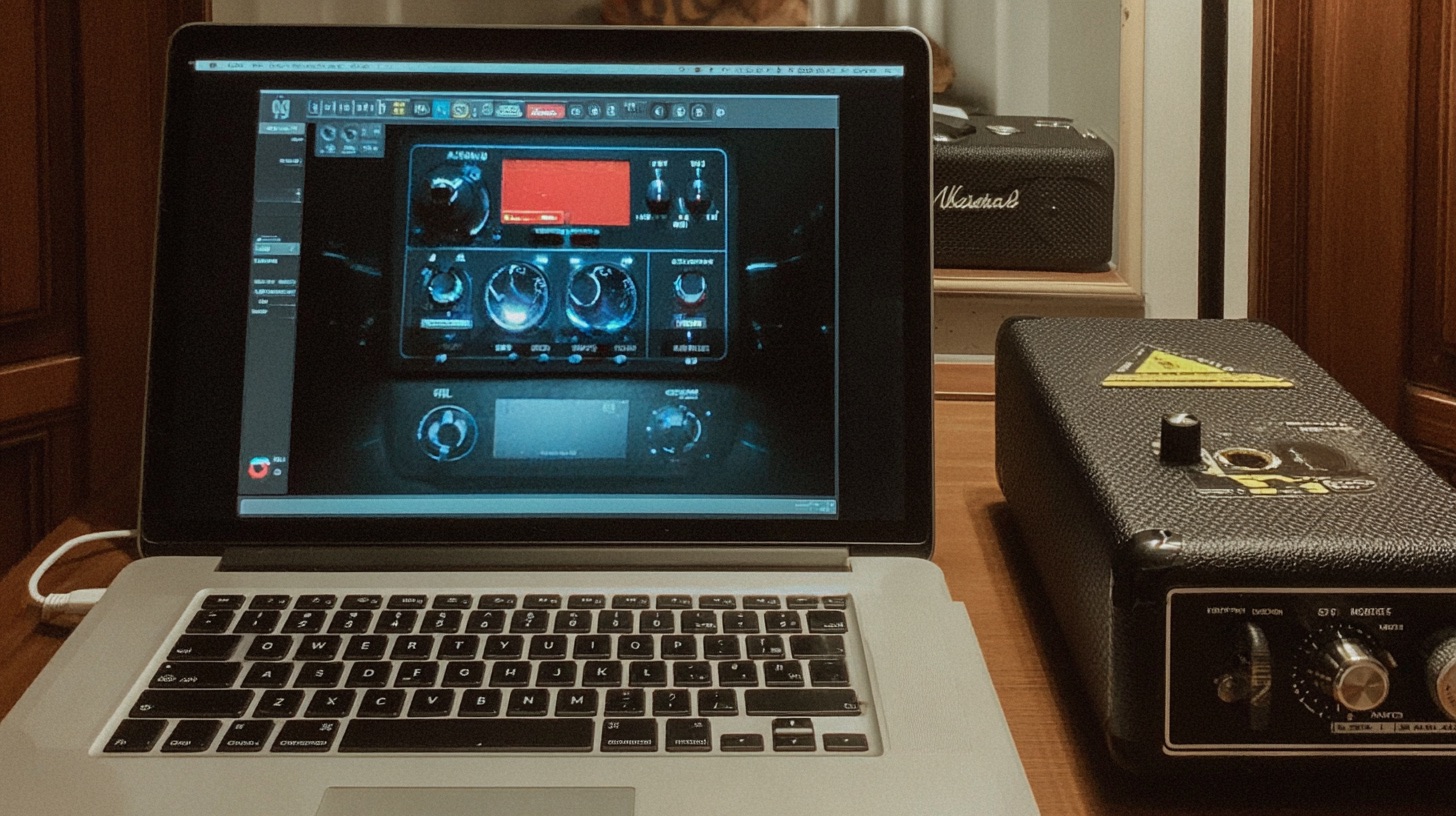
Here’s where the real magic happens. Instead of just slapping a distortion plugin on the whole signal, Nolly gets surgical with FabFilter Saturn. This isn’t just a distortion unit; it’s a multi-band saturator, and it’s a game-changer for bass.
It allows you to do something that traditionally requires complex routing: distorting the mids and highs while leaving the low-end clean. This avoids the flubby, undefined mess that can happen when you distort low frequencies.
Here’s the setup:
- Mode: He uses the “Heavy Saturation” mode, which he finds sounds a lot like a great stompbox.
- Crossover: He creates a split around 300Hz.
- Distortion: He cranks the drive on the frequency band above 300Hz, getting all that aggressive grit, fuzz, and grind in the midrange. The band below 300Hz is left completely clean.
This one plugin gives you total control, letting you dial in the perfect amount of tight, focused aggression without sacrificing a solid low-end foundation.
Step 4: Adding Weight with a Cab Sim
The distorted DI sounds aggressive but harsh and fizzy. To make it sound like it’s moving real air, it needs a speaker cabinet. Nolly uses an impulse response loader (MixIR) to do the job.
His go-to is an SVT 8×10 cabinet IR from the Red Wires “Big Box” collection, using the MD 421 “Cap Edge Off” impulse. The effect is immediate. The cab sim acts as a massive low-pass filter, instantly shearing off the nasty high-end fizz and giving the tone a dark, hefty, “amp-in-a-room” character.
Step 5: Post-Cab Shaping for Clarity and Presence
The cab sim does its job, but now the tone is too dark and has some new, funky resonances. It’s time for more EQ.
First, he notches out a couple of narrow, “spiky” resonant frequencies in the mids that are common with mic’d cabinets. Then, he uses the Slate Digital Virtual Mix Rack to add a significant presence boost with the “Lift” processor. To push it even further, he grabs an N-EQ for its aggressive upper-mid character, cranking the top end to bring the bass back to the front. Don’t be shy here; dark IRs often need a surprising amount of top-end boost to cut through.
The Pro Workflow: Commit and Move On
At this point, the bass DI has a six-plugin chain on it. To keep the session clean and, more importantly, to force a decision, Nolly “bounces” the track.
He exports the DI track with all the plugin processing and re-imports it as a new audio file. The original DI track is then disabled. This is a massive workflow tip. By committing to the sound he just created, he can now treat this new track as his final “bass amp” tone. It simplifies the mix, saves CPU, and takes the guesswork out of the equation. This kind of decisive workflow is a hallmark of pro mixers.
The Final Polish: Balancing the Spectrum
Working with his newly printed bass track, Nolly does a final check. He pulls up a spectrum analyzer to look at the tonal balance, aiming to get the presence region (the gritty part that cuts through) to be roughly the same level as the fundamental low end.
He notices the sub-bass has dropped off, so for the final touch, he adds Waves R-Bass. This plugin generates low-frequency harmonics, adding a clear, defined fundamental note back under the distorted tone, ensuring the bass has both gut-punching weight and razor-sharp clarity.
Your Turn to Build a Monster
So, creating a Periphery-level bass tone from a DI involves:
- Smart EQ: Adding top-end bite early and aggressive presence late.
- Controlled Compression: Taming dynamics while preserving the attack.
- Surgical Distortion: Using multi-band saturation to keep lows clean and mids mean.
- Cab Simulation: Adding weight and removing fizz with a great IR.
- Committing: Bouncing down your tone to simplify your mix and move forward.
These techniques are powerful tools you can start using in your own productions today.
Periphery on Nail The Mix
Nolly mixes "Prayer Position"
Get the Session
But reading about it is one thing. Imagine watching a world-class producer like Nolly dial in this tone in real-time, explaining every knob turn and creative decision. That’s what Nail The Mix is all about. You get the raw multitracks from massive songs and watch the original producers mix them from scratch. If you’re ready to unlock your sound and mix a track with pros like Nolly, this is how you do it.