The Underspeed Tracking Trick for Tight Metal Guitars (ft. August Burns Red)
Nail The Mix Staff
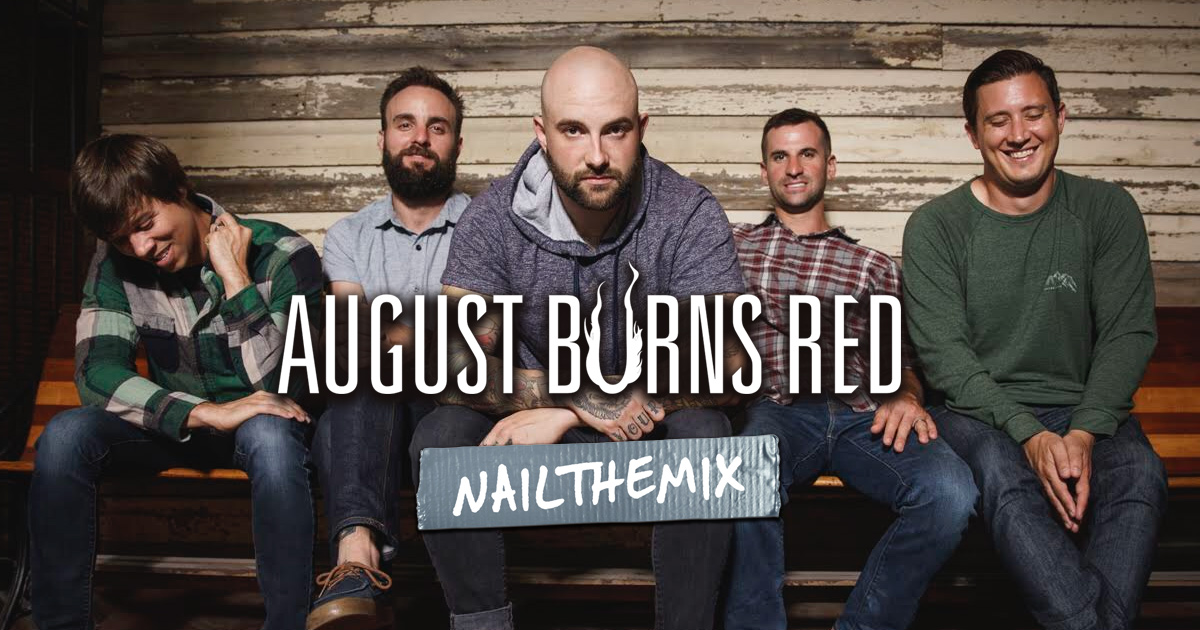
Let’s be honest, the guitar work in August Burns Red is a masterclass in precision. Every riff is a relentless, machine-gun-tight assault. But achieving that level of rhythmic perfection in a recording isn’t just about having a beast of a guitar player like JB Brubaker; it’s also about a clever, methodical editing process.
When we sat down with producer Carson Slovak, he broke down a deceptively simple technique he uses to get those flawless guitar takes. It’s a workflow that avoids common editing pitfalls and actually makes the final product sound more natural, not less. Forget spending hours fighting with elastic audio or fixing awkward gaps between notes. This is all about setting yourself up for success from the moment you hit record.
Want to see exactly how Carson put these techniques to work on the ABR track “Paramount”? You can watch him mix the entire song from scratch, with the full multitracks included, right here on Nail The Mix.
The Core Concept: Track Slower for Tighter Edits
This might sound counterintuitive, but the foundation of Carson’s method is to track guitars slightly slower than the song’s final tempo. If the song is locked in at 190 BPM, he might have JB track his parts at 184 BPM.
Why? It all comes down to human nature. When a musician is tracking alone with just a click track, the natural inclination is to rush the beat slightly. It happens to everyone, from drummers to guitarists.
If you record at the final tempo and the player rushes a note, you have a problem. When you slide that note back onto the grid where it belongs, you create an empty space—a gap of silence—right before it. You can try to fix this with long crossfades or time-stretching tools like Elastic Audio, but these can introduce weird digital artifacts and smear the transient, killing the punch of the riff.
By tracking a few BPM slower, you’re giving yourself a built-in safety net. Each note naturally has a little bit of audio “padding” before it. So, when you move into the editing phase and slide those notes forward to lock them into a faster grid, you’re simply tightening up the performance without ever creating those dreaded gaps. It’s a genius way to minimize editing artifacts before you even start chopping.
The Grid-Based Editing Workflow
Once you have your slightly-slower takes, the real editing begins. Here’s how Carson turns those takes into perfectly quantized, aggressive rhythms.
A Clean DI Is Your Best Friend
The key to precise, grid-based editing is having a super clear visual reference for every single pick attack. The best way to get this is with a clean Direct Input (DI) signal, recorded alongside your amped tone. The sharp, spiky transients of a DI track are much easier to see on a waveform than a fuzzy, saturated amp signal.
For the August Burns Red sessions, the DI wasn’t 100% sterile. It was routed through an API preamp, which added a touch of gain and color. This is a great pro tip—that little bit of saturation makes the DI transients “pop” even more in the DAW, making it incredibly easy to spot the beginning of each note. With your editing this tight, you have a perfect canvas for applying pinpoint EQ strategies later on.
Aligning to the Grid
With your DI track as your guide, the process is straightforward but requires attention to detail:
- Set Your Tempo: In your DAW, set the session tempo to the final, faster speed (e.g., 190 BPM).
- Tab to Transient: Use your DAW’s “tab-to-transient” function on the DI track. This will instantly jump your cursor to the beginning of each note.
- Slice and Snap: Separate the clip right at the transient and snap the beginning of that new clip directly to the nearest grid line that corresponds with the rhythm.
You’re essentially quantizing the guitar performance manually, note by note. This gives you absolute control and ensures every chug and power chord is perfectly in the pocket with the drums.
The Pro Nudge Trick: Bringing Back the Pick Attack
Okay, so you’ve sliced up your performance and everything is locked perfectly to the grid. There’s just one last problem. The sound of a pick hitting a string actually happens a few milliseconds before the main, visible transient spike in the waveform. By slicing right on that spike, you’ve accidentally cut off the initial “click” of the pick. This can leave your guitars sounding a bit soft and sterile.
Carson has a killer batch-processing trick in Pro Tools to fix this across the entire song in seconds.
Pre-Nudge Prep
Before you do anything else, select all your edited guitar clips and apply a quick batch fade. A 5-millisecond fade at the beginning and end of each clip is usually enough to prevent any clicks or pops from the edits.
Executing the Nudge
This is a two-step keyboard shortcut move that cleverly repositions your audio within the clip boundaries.
- Set Nudge Value: In your DAW’s settings, change your Nudge value to a very small increment. Carson uses around 600 samples for this.
- Nudge the Content: Select all your guitar clips. In Pro Tools, hold Control and hit the Minus key (-). This doesn’t move the clip on the timeline, but instead shifts the audio inside the clip backward by your nudge value (600 samples). This effectively reveals the pick attack you previously cut off.
- Nudge the Clip Back: Now, without holding Control, just hit the Minus key (-) again. This moves the entire clip region back to its original grid position.
The Flawless Result
You’ve just performed a brilliant piece of editing sleight-of-hand. Your clips are still perfectly locked to the grid, but you’ve shifted the audio within them to reintroduce that crucial, aggressive pick attack on every single note. It’s the final touch that makes edited guitars sound powerful and natural, not robotic.
Putting It All Together
This workflow is a prime example of how top-tier producers think: they anticipate problems and build solutions right into their recording process. By combining a smart tracking approach with a precise, DI-guided editing workflow and a clever nudge trick, you can achieve flawlessly tight guitar tones that define modern metal.
Of course, once your editing is this locked in, you can confidently move on to shaping your tone with powerful compression and EQ.
August Burns Red on Nail The Mix
Carson Slovak & Grant McFarland mixes "Coordinates"
Get the Session
Learning these concepts is one thing, but seeing them in action is another level entirely. On Nail The Mix, you can watch world-class producers like Carson Slovak, Will Putney, and Jens Bogren apply these techniques to real-world sessions from bands like August Burns Red, Gojira, and Knocked Loose. If you’re serious about taking your production skills to the next level, there’s no better way to learn than from the pros who are defining the sound of modern metal.
Ready to see how the pros do it? Check out the August Burns Red session and start your journey towards a better mix. You can also explore our full range of courses and tutorials to unlock your sound beyond just presets.