Mix Lead Guitars Like Lead Vocals (ft. Intervals)
Nail The Mix Staff
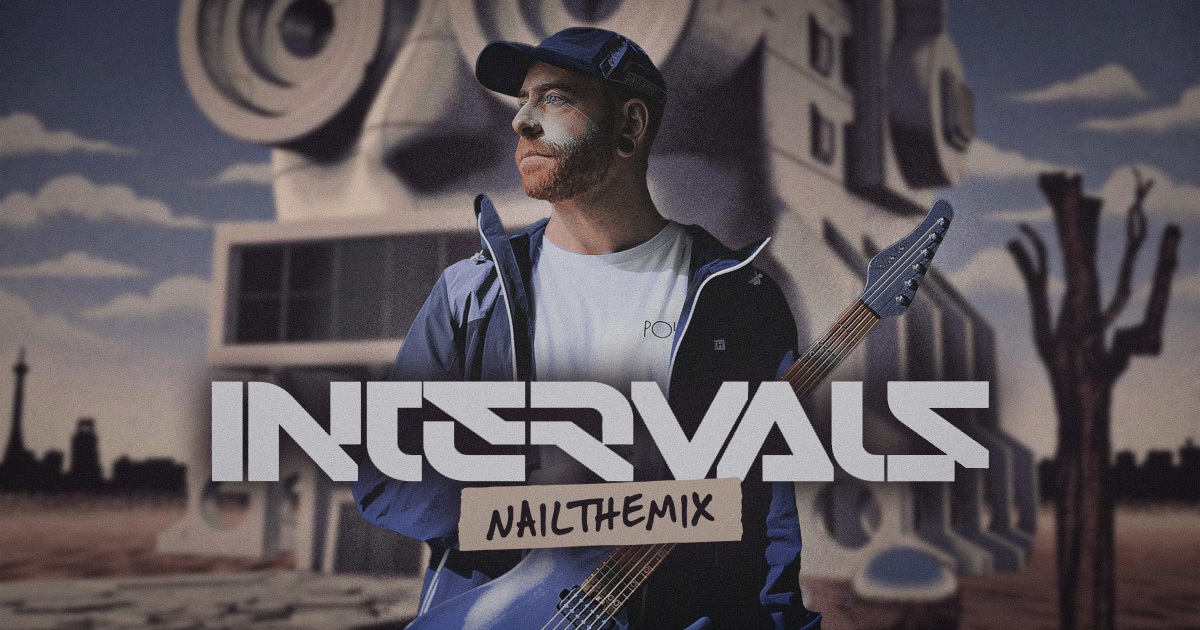
Let’s be real, the lead guitars in an Intervals track are not just solos; they’re the main event. They function as the lead vocal, delivering the hooks and melodies that get stuck in your head. So, how do you make sure they soar above the mix instead of getting buried?
We got the inside scoop from producer and mixer Sam Guaiana on how he approached Aaron Marshall’s intricate lead work. The core philosophy is simple but powerful: treat the lead guitar exactly like a lead vocal. This means every decision—from tone creation and EQ to automation and effects—is made to support that central melody. Forget just slapping on a solo preset; this is about crafting a performance.
The “Vocal” Philosophy: Giving Leads Melodic Priority
Before touching a single plugin, the most important step is a mental one. Think of the lead guitar as the singer. This single shift in perspective changes everything. It’s why you’ll hear other elements, like a rhythm guitar part, intentionally drop out to create clean space for a lead to enter. The lead isn’t fighting for attention; the mix is built to feature it.
This philosophy extends to the performance itself. Aaron Marshall’s playing is incredibly articulate, with every purposeful pinch harmonic and expressive bend acting like a vocalist’s unique phrasing or syllable pronunciation. The mix needs to honor that nuance, not steamroll it.
Crafting the Core Tone: Plugins and Amp Sims
A great vocal needs a great mic; a great lead guitar needs a killer amp tone. For the Intervals sessions, Sam relied on a potent combination of top-tier plugins that delivered mix-ready results right out of the box.
The Go-To Amp Sim Setup
The main lead tones were primarily built using the Line 6 Helix plugin. On other parts of the record, the Neural DSP Soldano SLO-100 plugin was the weapon of choice. But the amp is only half the battle. The speaker cabinet simulation is where the tone really took shape, and for that, Sam turned to GetGood Drums Cabs.
The “Upfront Cab” was the workhorse for most leads. Paired with a virtual Shure SM57 pointed directly at the V30 speaker, this setup provided the perfect aggression and presence to cut through the mix.
How good are these plugins? During the sessions, they set up a real Soldano amp head to potentially re-amp the leads. After dialing it in, they A/B’d it with the plugin and found it sounded virtually identical. They immediately scrapped the re-amping plan, proving that a well-chosen plugin can easily go toe-to-toe with the real hardware, saving a ton of time.
Swapping Cabs for Tonal Variation
Just as you might switch microphones on a vocalist for a verse versus a chorus, Sam swapped virtual cabs to create sonic contrast. For a more mellow verse section, he switched from the “Upfront Cab” to the “Smooth Cab.” This simple change acts like a broad EQ curve, giving the verse lead its own distinct, less aggressive character without extensive processing.
The Power of Automation: Bringing Guitars to Life
If the tone is the voice, automation is the breath control and dynamics. This is where you elevate a static guitar part into a living, breathing performance. Like any good vocal mix, the Intervals leads are loaded with automation to create movement, solve problems, and add that final 10% of professional polish.
Surgical EQ and Filtering Moves
A screaming lead guitar can generate a lot of high-frequency fizz, much like sibilance on a vocal track. To combat this, Sam applied a sharp high-end roll-off on the lead track. This acts just like a de-esser, taming the harsh “screamy business” at the source so it doesn’t build up and clutter the reverbs and delays down the line. To dive deeper into these kinds of mixing moves, check out more on how to EQ metal guitar.
Another slick move involves automating filters. In one section, as a lead phrase ends and its volume dips, a filter is automated to darken the tone. Simultaneously, a bright, ambient “bloom” track swells up, creating a seamless and ear-catching transition that feels more organic than a simple volume crossfade.
Creating Dynamic Impact with Mutes and Stops
The dynamics on the Intervals record are incredibly tight, with huge impact coming from dead-silent pauses. Achieving this level of precision requires more than just hitting the mute button on the track.
To ensure effects tails don’t spill over, Sam automates mutes directly on the effect buses. If you just bypass a send, a delay or reverb will often continue to ring out. By muting the return channel or the send itself at the exact moment the pause hits, you create a truly clean and abrupt stop that makes the next note hit that much harder.
Essential Effects for Width, Depth, and Vibe
With the core tone and dynamics handled, it’s time to add the ambient and spatial effects that give the leads their professional sheen and help them sit perfectly in the mix.
The MicroShift Sweet Spot
For creating lush stereo width, a go-to tool was the Soundtoys MicroShift. A favorite setting is “Style Two,” which adds a rich, dimensional quality without sounding like an obvious chorus effect. While it can sound massive in solo, in the context of the full track, this subtle widening helps the lead occupy its own space and feel more integrated with the lush drum and room sounds. For more intimate moments, the MicroShift is automated off to bring the guitar forward.
Smart Reverb and Doubling Tricks
Effects were also used as creative problem-solvers. To help blend that “bloom” track with the main lead, a plate reverb was automated to come in only for that split-second transition. This small touch of shared ambience tricks the ear into hearing the two separate elements as a single, cohesive sound.
To give certain mono-esque lead lines a wide, doubled feel, Sam sent the signal to an instance of Abbey Road Studios Reel ADT. Using the “Two Guitars Are Better Than One” preset is a fantastic way to instantly generate a convincing stereo image from a mono source—a trick that works just as well on vocals and harmonies.
Build on the Best Ideas
Sometimes the best sounds are the ones you already have. The final mix incorporated a few cool, heavily processed synth leads straight from the original demo. The takeaway? If a demo part solves a problem and has the right vibe, there’s no need to spend hours recreating it. Sneak it into the session and move on.
The Ultimate Vocal-Lead Mix
By blending a performance-focused mindset with modern plugins and detailed automation, you can take a great guitar part and make it the undeniable star of the show.
Intervals on Nail The Mix
Sam Guaiana mixes "neurogenesis"
Get the Session
These techniques provide a powerful framework for mixing lead guitars that truly sing. But seeing them applied in real-time, with every fader move and plugin parameter explained, is a whole other level of learning. In Sam Guaiana’s full Nail The Mix session, you can watch him build this exact mix from the ground up using the original multi-tracks from Intervals.
If you’re ready to stop relying on presets and start making deliberate, pro-level mixing decisions, Nail The Mix gives you the keys. Learn directly from the producers behind albums from bands like Gojira, Periphery, and Spiritbox, and see how to unlock your sound.